Learn Norsk Studio
Step-by-step guides for building live streaming workflows — from your first ingest-to-output pipeline to adaptive bitrate delivery, multi-camera production, and more.
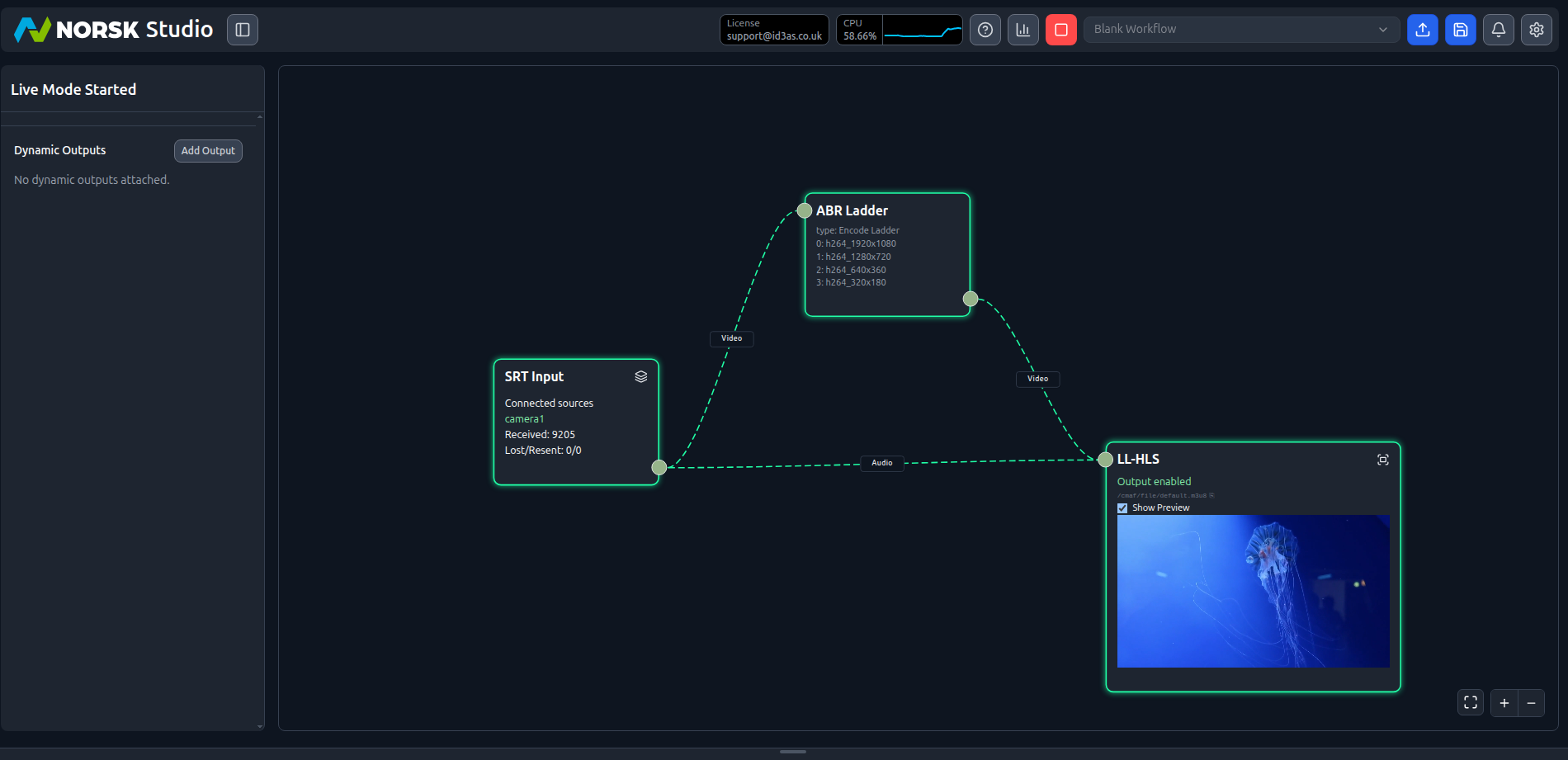
Your First Workflows
Build your first live workflows in Norsk Studio — drag and drop components onto the canvas, connect them, and hit play. Start with a file-to-CMAF pipeline, then add an encoding ladder for adaptive bitrate SRT delivery.
Start tutorial →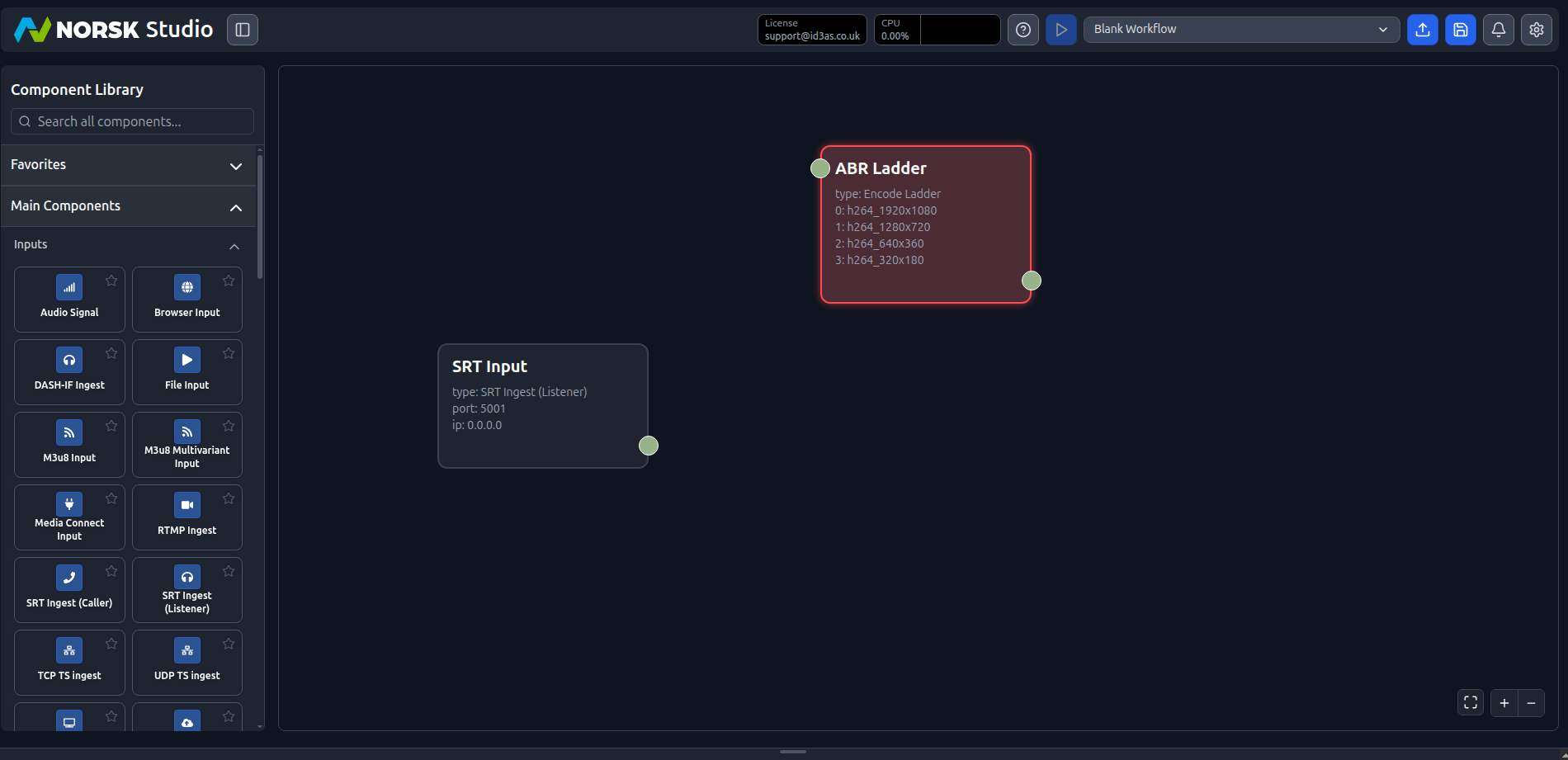
Camera-to-CDN in 10 minutes
Ingest a live camera feed, encode it to an adaptive ladder, and push the packaged output to a CDN origin — all in a single Norsk Studio workflow.
Start tutorial →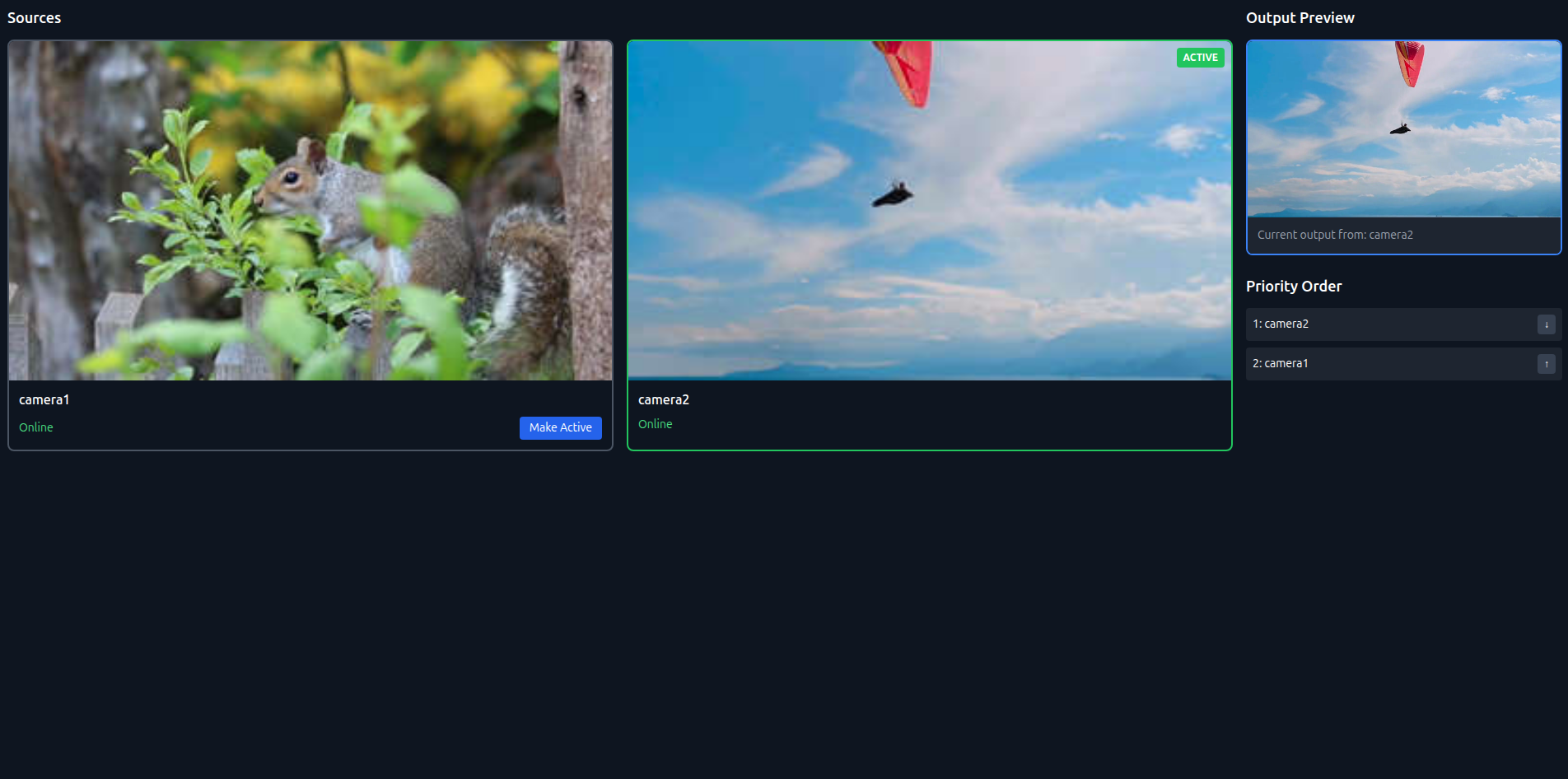
Multi-camera live production
Switch between multiple camera sources in real time with a source switcher component. Cut between cameras live while a single adaptive stream goes out to your viewers.
Start tutorial →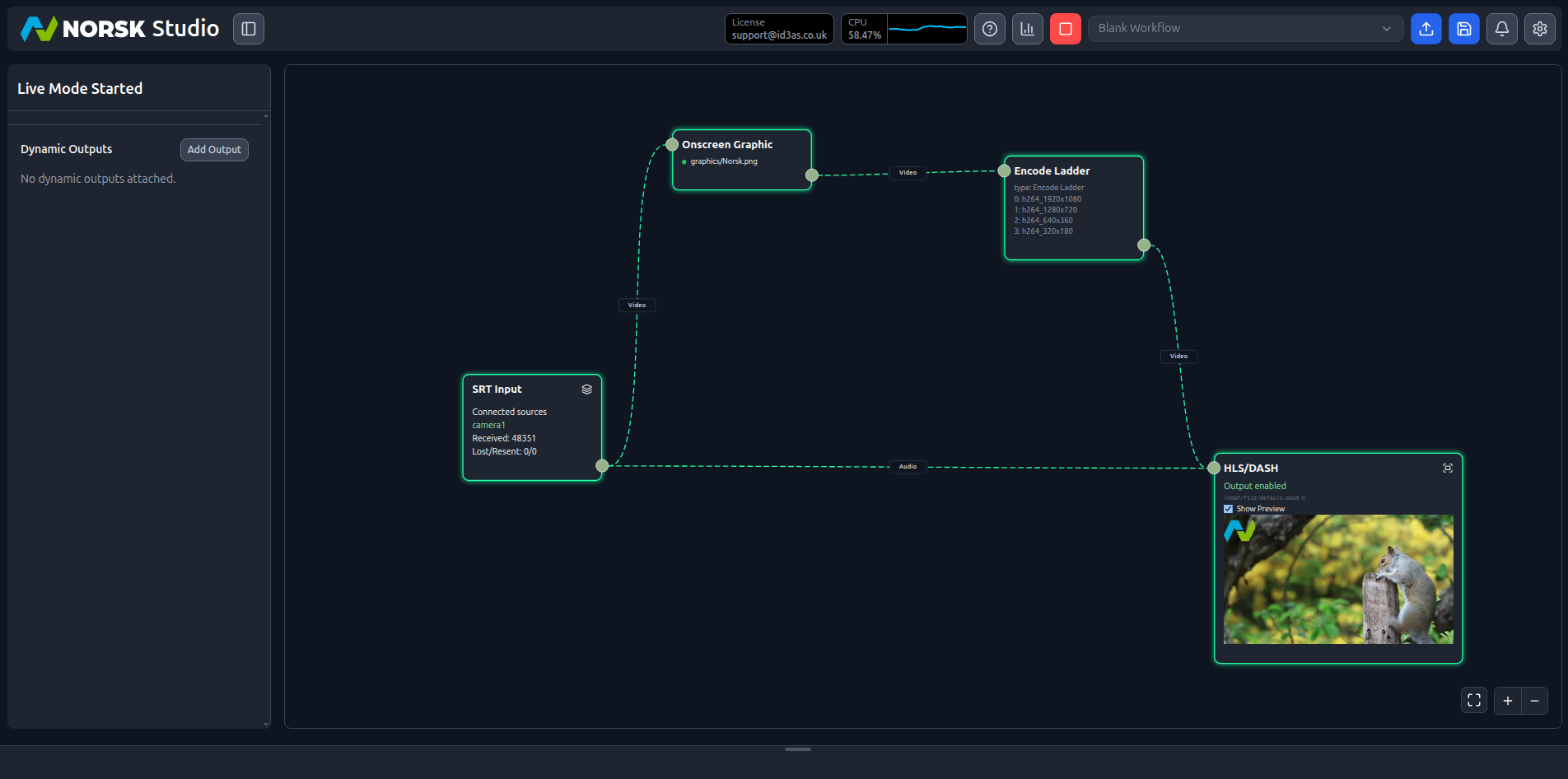
Graphics overlay and branding
Add a logo or lower-third to a production workflow with the Onscreen Graphic component — branding composited onto the video before encoding, so it's baked into every rendition of your adaptive stream.
Start tutorial →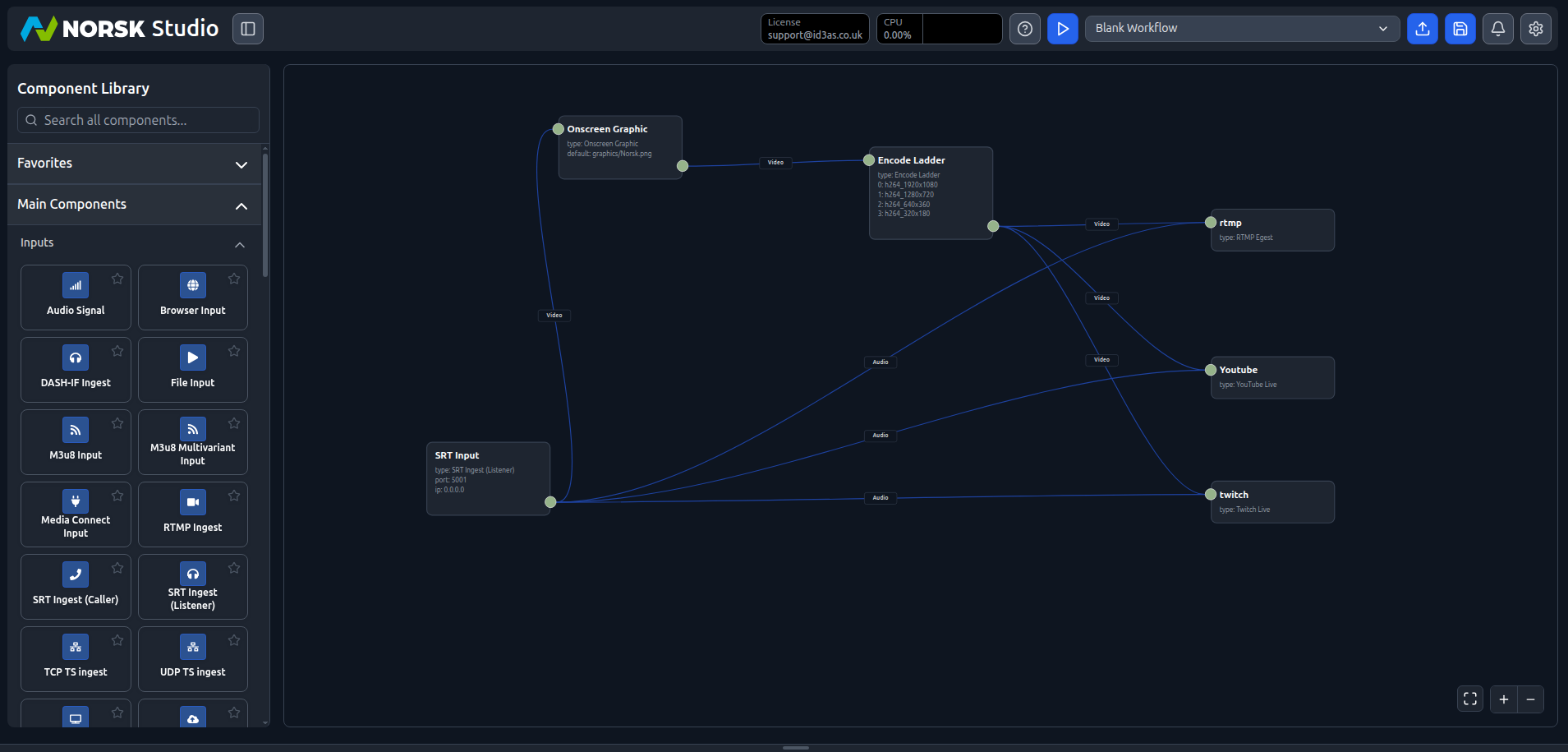
Simultaneous multi-platform output
Encode once and push the same live feed to YouTube, Twitch, LinkedIn, or your own RTMP destinations at the same time from a single Norsk Studio workflow fanning out to every platform in parallel.
Start tutorial →More tutorials are on the way. In the meantime, browse the Norsk Studio FAQ or the full documentation.
Workflow Wednesdays
Workflow Wednesdays are short, focused demos of specific functions and step-by-step guides to building workflows using the Norsk Studio live media workflow builder.